AI Strategy
Do You Need to Be a Developer to Use AI Agents in Your Business?
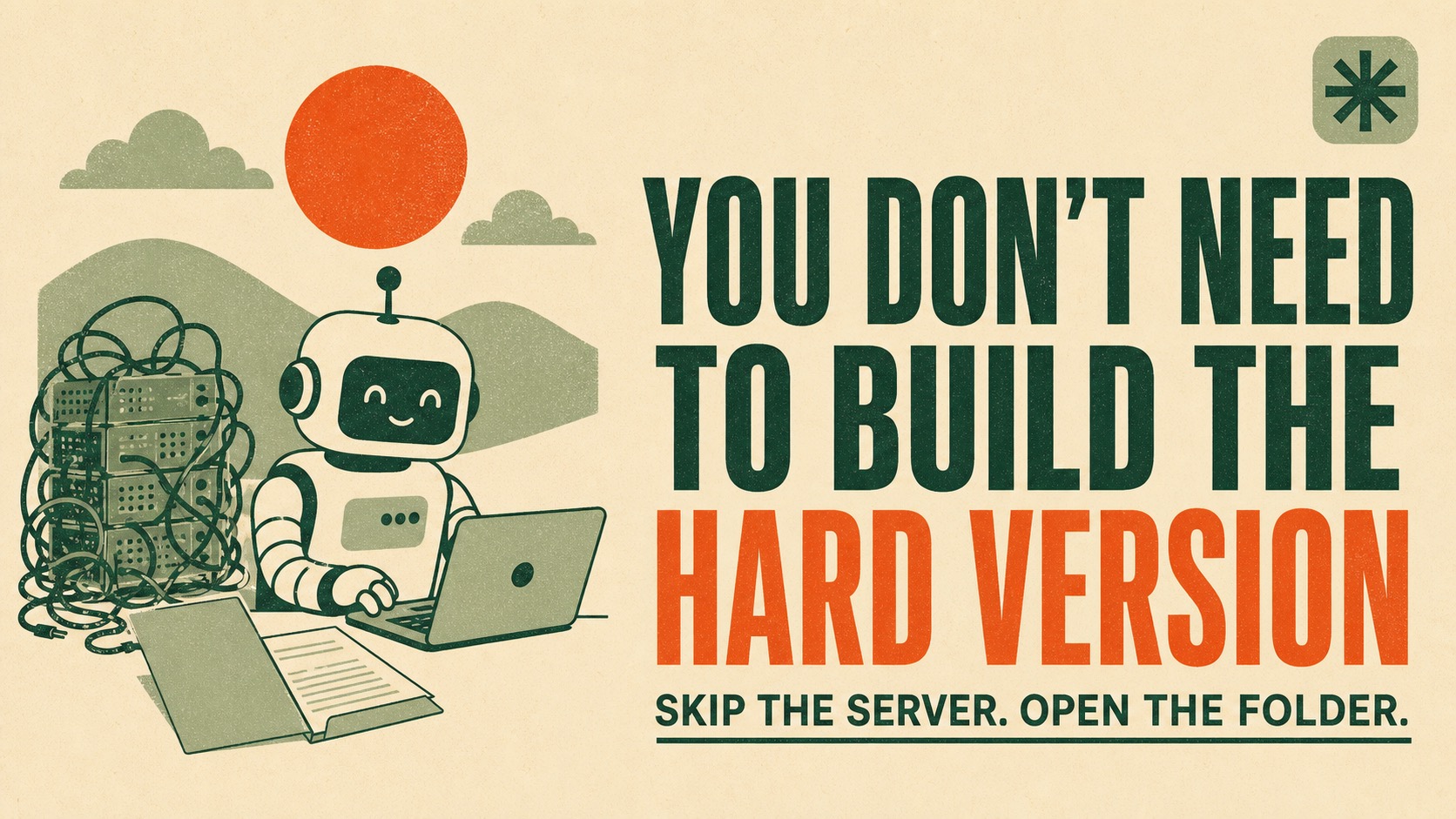
01 · The Short Version
No. And the setup you're being sold is the reason you're stuck.
Short answer: you do not need to be a developer to use AI agents in your business. The tools everyone is arguing about right now, OpenClaw and Hermes Agent, are built for developers. They are real software and people do impressive things with them. They also want a terminal, an install, a server to sit on, and somebody to fix them at 11pm when they stop working.
You are running a business. You don't have a Saturday for that.
And you don't need one, because Claude and ChatGPT both shipped the wrapper. Claude Cowork and ChatGPT Work read folders on your computer directly, inside the subscription you're already paying for. That's the part that changed. The capability people are building servers to get is now a permission you grant in an app you already have open.
Sourcing note: the product facts here come from Anthropic's and OpenAI's own documentation, linked at the bottom. The OpenClaw and Hermes descriptions are drawn from their public documentation and reporting. The business argument is mine.
02 · What You're Being Sold
OpenClaw and Hermes are developer tools.
I want to be accurate here, because I've built with this stuff and I'm not going to pretend it's junk.
OpenClaw is an open-source agent runtime. You run it as a persistent process that routes between you and your agents, handles permissions, connects to messaging platforms, and dispatches skills. It has an enormous community and a huge library of integrations.
Hermes Agent is an open-source agent framework from Nous Research, built around a learning loop. The pitch is an agent that writes and refines its own skills and gets more capable the longer it runs.
Both are genuinely good software. Both are also aimed at people who are comfortable with a command line.
Here's what "setting it up" actually looks like, and I'm not exaggerating any of these:
- A
Install it. Which means a terminal, a package manager, and a troubleshooting session when your machine doesn't have the thing the install assumed it had.
- B
Decide where it lives. On your laptop, where it stops when you close the lid? On a Mac mini in a closet? On a rented server you now administer?
- C
Wire up credentials. API keys for the model, keys for every tool you want it to touch, and a real answer for where those keys are stored.
- D
Maintain it. Updates break things. The thing that worked in March behaves differently in August. You are now the IT department.
None of that is unreasonable if you're a developer. It's a normal Tuesday. If you're a business owner, every hour in that list is an hour you didn't spend on the work that actually pays you.
The question isn't whether the tool is good. It's whether you were ever the person meant to be installing it.
Mostly, no.
03 · What Changed
The wrapper is already inside your subscription.
This is the part that hasn't caught up with people yet, and it's why so much of the current advice is out of date.
Both major assistants now work directly with folders on your computer.
Claude Cowork
- Reads from and writes to your local files, no uploading or downloading
- You choose which folders it can touch, and you can revoke that access
- Runs scheduled tasks, browser actions, spreadsheets and presentations
- Available on all paid Claude plans on macOS and Windows desktop
ChatGPT Work
- Local projects connect to folders on your computer
- It can read and change files in every attached folder
- You attach folders as needed and set a primary one
- Runs in the ChatGPT desktop app after you grant permission
Read those two lists again and notice what's missing. No install. No server. No API keys. No terminal. You grant a folder, and the AI can work in it.
That's the same core capability people are standing up infrastructure to get. The difference is you get it by clicking allow.
04 · The Actual Move
Build a brain before you build a robot.
Here's what I'd do instead, and it's what I actually run my own business on.
Make a folder on your laptop. Put your business in it. Your offers, your pricing, who your clients are, what you're working on this quarter, what you tried last month and whether it worked. Then point Claude or ChatGPT at that folder.
Now every conversation starts warm. The AI knows what you sell, who you sell it to, and what's true this week. You stop re-explaining your business four times a day.
The word that matters in living workspace is living. It updates as you work in it. You make a pricing decision on Tuesday and it's in there Tuesday, so Wednesday's conversation already knows.
A knowledge base
- A snapshot of the day you uploaded it
- Goes stale quietly, without telling you
- Confidently wrong about your current pricing
- You re-upload it when you remember to (you won't)
A living workspace
- A folder the AI reads and writes as you work
- Today's decisions are in it today
- Accurate because you're working inside it
- Yours, on your machine, portable between tools
That last line matters more than it looks. The folder is yours. Claude Cowork and ChatGPT Work both read it, so you're not locked to either one. If you switch, your business context comes with you.
05 · The Trap
Automating for the sake of automating.
This is the pattern I see most in beginners, and it's the expensive one.
Somebody gets excited, learns they can build workflows, and builds nine of them in a weekend. A content workflow. A lead workflow. A reporting workflow. Three months later they're running maybe one, they can't remember what two of them do, and opening the workspace feels like opening a closet you've been avoiding.
The workflows weren't the problem. Building them before knowing what actually repeats was.
You cannot tell which work is worth automating until you've watched yourself do it a few times. Build the brain, work inside it for two weeks, and the answer stops being a guess. The jobs that repeat will annoy you into noticing them.
Build the brain first. Then decide what you actually want off your plate.
In that order. It's the whole thing.
06 · The Sequence
Build what you need, when you need it.
If you want the whole approach in four steps, this is it.
01 Make the folder
One folder on your computer. Start with a single file describing your business the way you'd brief a smart new hire on day one. What you sell, who buys it, what it costs, what you're trying to do this quarter. It does not need to be pretty and it does not need to be finished.
02 Connect it
Open Claude Cowork or ChatGPT Work on desktop and grant access to that one folder. Not your whole drive. One folder, so the blast radius of any mistake is small and you can see everything it touched.
03 Work in it for two weeks
Do your normal work, but do it there. Let the AI update the files as decisions get made. You are doing two things at once: getting useful work done, and letting the repeating jobs surface on their own.
04 Automate one thing
Pick the single job that annoyed you most in those two weeks. Set that one up to run on a schedule. Live with it until you trust it. Then, and only then, add the next one.
One at a time is slower for a month and faster for a year.
Nowhere in those four steps is there a terminal, a server, or a package install. That's the point. The technical work got absorbed into the products you already pay for, and a lot of the advice out there hasn't noticed yet.
07 · FAQ
Common questions.
01 Do you need to be a developer to use AI agents in your business?
No. Tools like OpenClaw and Hermes Agent are built for developers and do require real technical setup. But Claude Cowork and ChatGPT Work now read folders on your computer directly, inside the subscription you already pay for. You can give AI your full business context and put it to work without writing code or running a server.
02 Is OpenClaw worth setting up for a small business?
It depends on whether you enjoy the setup. OpenClaw is a capable open-source agent runtime with a large community, and it is free software. The cost is your time: installing it, configuring it, keeping it running, and fixing it when it breaks. If you are a business owner and not a developer, that time is usually better spent on the work only you can do.
03 What is a living workspace brain?
A folder on your computer that holds your current business context: your offers, your pricing, your clients, your goals, what you tried last month and what happened. Your AI reads it at the start of every session and updates it as you work. It stays current because you are working inside it, rather than going stale the way an uploaded knowledge base does.
04 Is this the same as uploading a knowledge base to a custom GPT?
No. An uploaded knowledge base is a snapshot of the day you uploaded it. A living workspace is a folder the AI reads and writes to as you work, so today's decisions are in there today. The difference matters most when your business changes fast, which is when you need the AI to be accurate most.
05 What should I automate first?
Nothing, at first. Build the context layer and work inside it for a couple of weeks. The jobs worth automating will announce themselves because you will notice yourself doing them over and over. Automating before you know what actually repeats is how people end up with workflows they never open.
06 Do I need Claude or can I do this in ChatGPT?
Either one. Claude Cowork and ChatGPT Work both read local folders on desktop, so the approach works in whichever assistant you already pay for. The folder is yours, so you can also move it between them or take it with you if you switch.
The Living Workspace
Come watch me run a business out of a folder.
In my live workshop I open my real Living Workspace on screen and show you how it works: the folder, the context, the jobs that run on their own. No terminal, no server, no code. If this post made sense, that is where you see it built.