AI Systems
5 Claude Artifacts Examples for Business (The Ones I Actually Use to Run Mine)
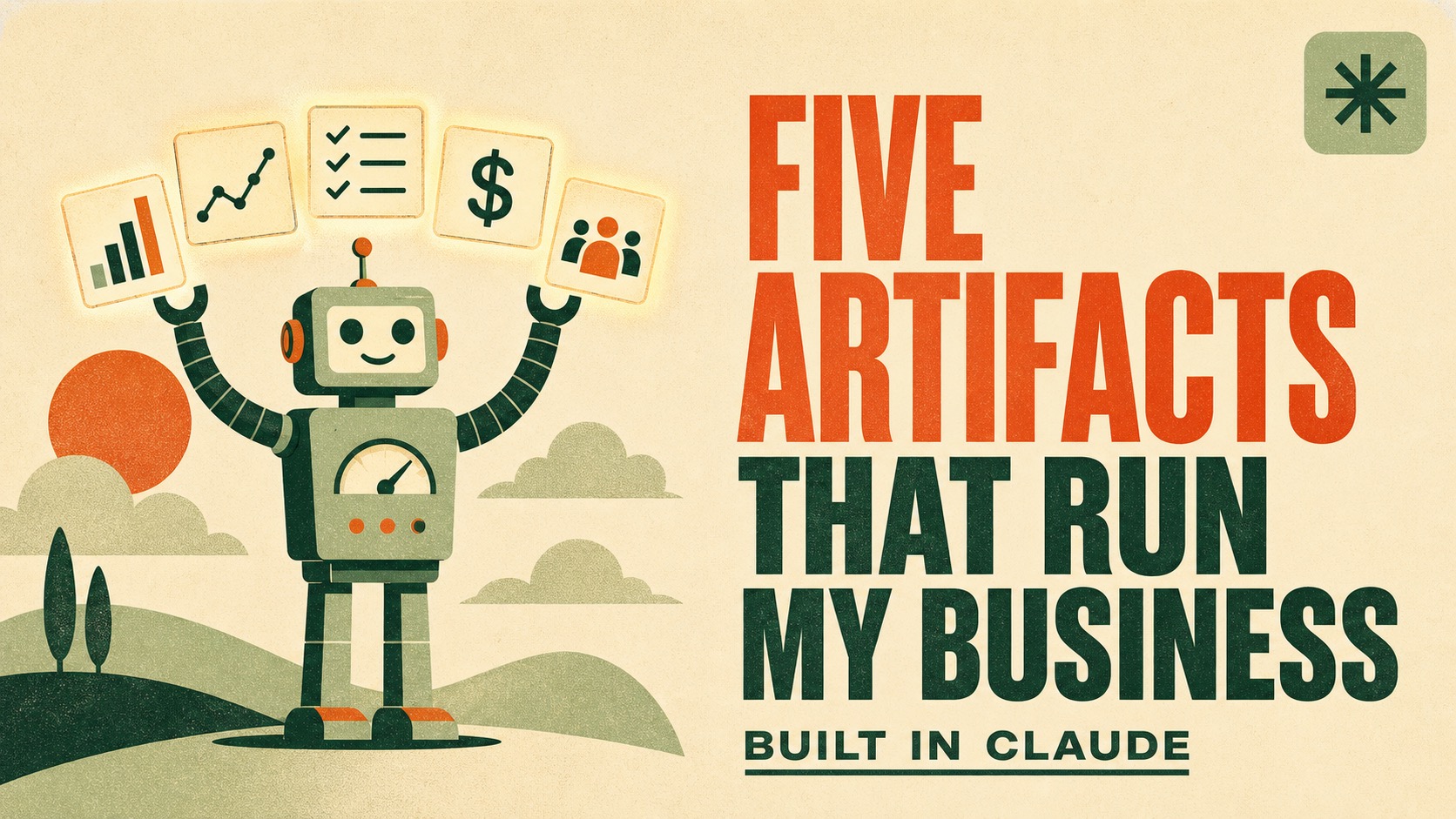
01 · The Short Version
Most Claude artifacts examples are demos. These five are load-bearing.
Search for Claude artifacts examples for business and you get calculators, to-do apps, and a lot of things nobody opened twice. Here are five I open every week, because my business would run worse without them.
- A
The Bookkeeper. My profit and loss, current, without opening a spreadsheet.
- B
The Task Board. What is actually front and center this week, not the whole backlog.
- C
The Workshop Intel Tracker. Who signed up, who they are, and which ones are worth a personal message.
- D
The Funnel Tracker. Ad spend, clicks, registrations, and revenue in one view.
- E
The Audience Readiness Dashboard. Where my audience actually is on the AI journey, in their own words.
None of these required me to write code. All of them required something most people skip, which I will get to in section 08.
Sourcing note: product facts about how artifacts work come from Anthropic's Claude Help Center and Claude Code documentation, linked at the end. The five artifacts, and what they did for my business, are mine.
02 · The Definition
What is a Claude artifact, in business terms?
Anthropic's definition: an artifact is substantial, standalone content Claude creates and shows in a dedicated window separate from the conversation, so you can modify it, build on it, and reference it later. Claude makes one when the content is long enough, self-contained, and something you will want to reuse.
The business translation is simpler. A chat answer is something you read once. An artifact is something you keep.
A chat answer
- Lives inside one conversation
- You re-ask to get it again
- Goes stale the moment it is written
- You copy and paste it somewhere else
An artifact
- Lives in its own window
- You open it
- Can pull current data
- It is already where it belongs
The types Claude's docs list include documents, single-page sites, diagrams, and interactive applications like dashboards, journals, and trackers. Four of my five are that last category.
03 · The Part That Changes Everything
What is a live artifact, and why does it matter?
A regular artifact shows you the data it was handed. A live artifact goes and gets it. Anthropic describes live artifacts as persistent, interactive pages that pull from your connected apps and local files, in their words, so the view reflects today, not the day it was built.
A dashboard that shows last month is not a dashboard. It is a screenshot.
This is the whole difference.
That single property is what moved these five from clever to load-bearing. A profit and loss view I have to rebuild is a chore I will skip. One that is current when I open it is something I check. Same artifact, completely different relationship.
Two honest limits worth knowing before you build: live artifacts are desktop only right now, and they are stored on your device rather than synced across them.
04 · The Five
What can you build with Claude artifacts? Start here.
Click each one. I have included what it replaced, because that is the part that tells you whether it is worth building.
01 The Bookkeeper
What it shows: my profit and loss. Revenue in, expenses out, what is left, and how this month compares to the last one.
What it replaced: opening a spreadsheet, remembering which tab has the current numbers, and doing the comparison in my head. Which meant I checked my P&L when something forced me to, not when I needed to know.
Why it works as an artifact: financial clarity has a setup cost, and the setup cost is what stops people. Take the setup cost to zero and the behavior changes. I look at my numbers more often now, not because I got more disciplined, but because looking got easier.
One warning that applies to every money artifact: verify the math before you make decisions on it. Fast to build is not the same as correct. Check the formulas the first few times.
02 The Task Board
What it shows: what is front and center this week. Not everything I could do. What actually needs to move.
What it replaced: a task list long enough to be useless. The problem with a complete list is that it is complete. Every item competes with every other item, and the urgent quietly beats the important every single time.
Why it works as an artifact: the value is in the filtering, and the filtering is a judgment call Claude can make if it knows my goals. It reads the full list, knows what I said mattered this quarter, and shows me the short version. The long list still exists. I just do not have to look at it to know what to do next.
03 The Workshop Intel Tracker
What it shows: who registered for my workshop, plus research on who they actually are, so I can see the pattern in who I am attracting.
What it replaced: a registration list of names and email addresses, which tells you a count and nothing else. I knew how many people signed up. I did not know who they were.
Why it works as an artifact: it turns a list into intelligence, and then it does something with it. It feeds into my lead manager so the best-fit people surface for a personal reach-out. That is the real output. Not a chart, a short list of humans worth writing to individually.
Do this one carefully. Researching people who opted in to your event is reasonable. Be deliberate about what you collect, keep it to professional context, and remember they signed up for a workshop, not for a dossier.
04 The Funnel Tracker
What it shows: the whole funnel in one view. Ad spend, clicks, registrations, attendance, and revenue, current.
What it replaced: four tabs and a mental model. Ads manager in one place, registrations in another, revenue in a third, and the actual answer, is this working, living nowhere except my assumptions.
Why it works as an artifact: the numbers were never the problem. The assembly was. Every metric already existed somewhere; none of them sat next to the one that gave it meaning. Spend means nothing without revenue. Registrations mean nothing without attendance. Putting them in one view is not a reporting upgrade, it is a decision-making upgrade.
05 The Audience Readiness Dashboard
What it shows: where my audience is on their AI journey, from complete beginner to running real systems, because they told me. They self-select into a bucket when they register.
What it replaced: guessing. Specifically, guessing in the most expensive possible way, by writing content and building offers for an audience I had imagined rather than measured.
Why it works as an artifact: because the mix moves. Teaching beginners when your room has become intermediate is how good material lands flat, and you usually find out too late. Watching the distribution shift over time tells me what to teach next, and it answers it with data instead of vibes.
The self-select part is doing a lot of work here. People are surprisingly accurate about where they are when you give them plain descriptions and no wrong answer.
05 · The Pattern
What the five have in common.
Look at what each one replaced and the same shape shows up every time. Not a missing report. A question I was already asking, that cost too much to answer.
This is the part I would push hardest on. People look for the impressive artifact to build. The right one is boring: whatever you currently check by opening several tabs and doing arithmetic in your head. That friction is why you check it monthly instead of weekly, and checking it weekly is probably worth more than anything clever.
Build the thing you avoid doing, not the thing that would look good in a screenshot.
06 · Build Your Own
How do you build a dashboard in Claude?
You describe it. Claude writes the code and it runs. You do not write the code, though it is worth being precise here: Claude's docs state artifacts require code execution and file creation to be enabled, so real code is running. You are directing it, not typing it.
Four steps, in the order that actually works.
01 Name the question, not the dashboard
Here is a question I ask about my business every week, and the places I currently have to look to answer it. Before we build anything, tell me what data this actually needs and what I am missing.
Skipping this step is the most common way people end up with a good-looking artifact that answers nothing. Start with the question.
02 Point it at the real data
Build this as a live artifact that pulls from my connected apps and files rather than numbers I paste in, so it is current whenever I open it. Tell me which connections it needs.
This is the difference between a tool and a screenshot. Ask for it explicitly.
03 Make it decide, not just display
Do not just show me the numbers. Show me what needs my attention and why, at the top, with the supporting detail underneath.
A wall of metrics moves the work of interpretation back onto you. That was the work you were trying to remove.
04 Use it for two weeks, then cut
Here is what I actually looked at over the past two weeks and what I ignored. Remove what I never use and make the parts I check first bigger.
Version one is always too full. The good version is the one you get after deleting.
07 · The Mistake
Why most artifacts get abandoned.
Two failure modes, and I have hit both.
The first is building for a question you do not have. It is easy to build something impressive. It is much harder to build something you will open on a Tuesday when you are busy. If you cannot name the moment you would use it, you will not use it.
The second is starving it. An artifact is only as good as what it can see. A funnel tracker that cannot reach your ad data is a pretty layout. This is where most people actually get stuck, and it is not a Claude problem, it is a business-organization problem that Claude happens to expose.
That is the connection between artifacts and everything else I teach. The artifact is the visible part. What makes it work is that my business information lives somewhere Claude can read it, in a structure that means something. Build the memory first, and artifacts stop being demos and start being infrastructure.
If you want the underlying architecture, that is the Living Workspace: your business context organized so AI can reason over it instead of guessing. Artifacts are one of the things you get once it exists.
08 · Questions
Common questions about Claude artifacts.
01 What is a Claude artifact?
An artifact is substantial, standalone content Claude builds and displays in its own window beside the chat, so you can modify it, build on it, or come back to it later. Claude's documentation lists documents, single-page websites, diagrams, and interactive applications like dashboards, journals, and trackers as common examples.
02 What is the difference between a Claude artifact and a live artifact?
A regular artifact is tied to the conversation that made it and shows the data it was given at the time. A live artifact lives separately in your Artifacts view and pulls from your connected apps and local files, so the view reflects today rather than the day it was built. That difference is what makes the five in this post useful as business tools instead of one-time reports.
03 What is the difference between Claude artifacts and Claude Projects?
A Project is where your context lives: the instructions and knowledge files Claude reads before it answers. An artifact is a thing Claude builds out of that context. Projects are the memory, artifacts are the output. Most of the value comes from having both, because an artifact built on top of a well-fed Project knows what your numbers mean.
04 Do you need to know how to code to build a Claude artifact?
You do not write the code, but code is involved. Claude's documentation is explicit that artifacts require code execution and file creation to be enabled, so the artifact is running real code that Claude generates from your description. Your job is describing what you want clearly and reviewing what comes back.
05 What should I build as my first artifact?
Build the thing you currently check by opening four tabs and doing math in your head. That is the highest-value first artifact for almost everyone, because the payoff is not the dashboard, it is no longer paying the assembly cost every time you want the answer.
See It Live
I build these on screen, in a free workshop.
Reading about a dashboard is not the same as watching one get built. In the free live workshop I open my actual workspace and build in front of you, questions welcome.