AI for Non-Technical Owners
Do You Need to Know How to Code to Use AI? (No. Here's What You Actually Need)
01 · The Short Version
No. You don't need to know how to code to use AI.
You do not need to know how to code to use AI. You don't even need it to have AI agents do real work for you: sorting your files, drafting your follow-ups, turning a messy transcript into something usable. The AI does all the technical stuff. That part is not your job.
Working with AI was never about being technical. It is about being able to say what you want, clearly, and then deciding whether what comes back is good enough to use. That's the whole skill. Everything else, the machine handles.
You don't need to understand how AI works. You need to be able to tell it what you want.
02 · The Microwave
You already do this every single day.
You use powerful technology you don't understand all the time, and it doesn't slow you down for one second.
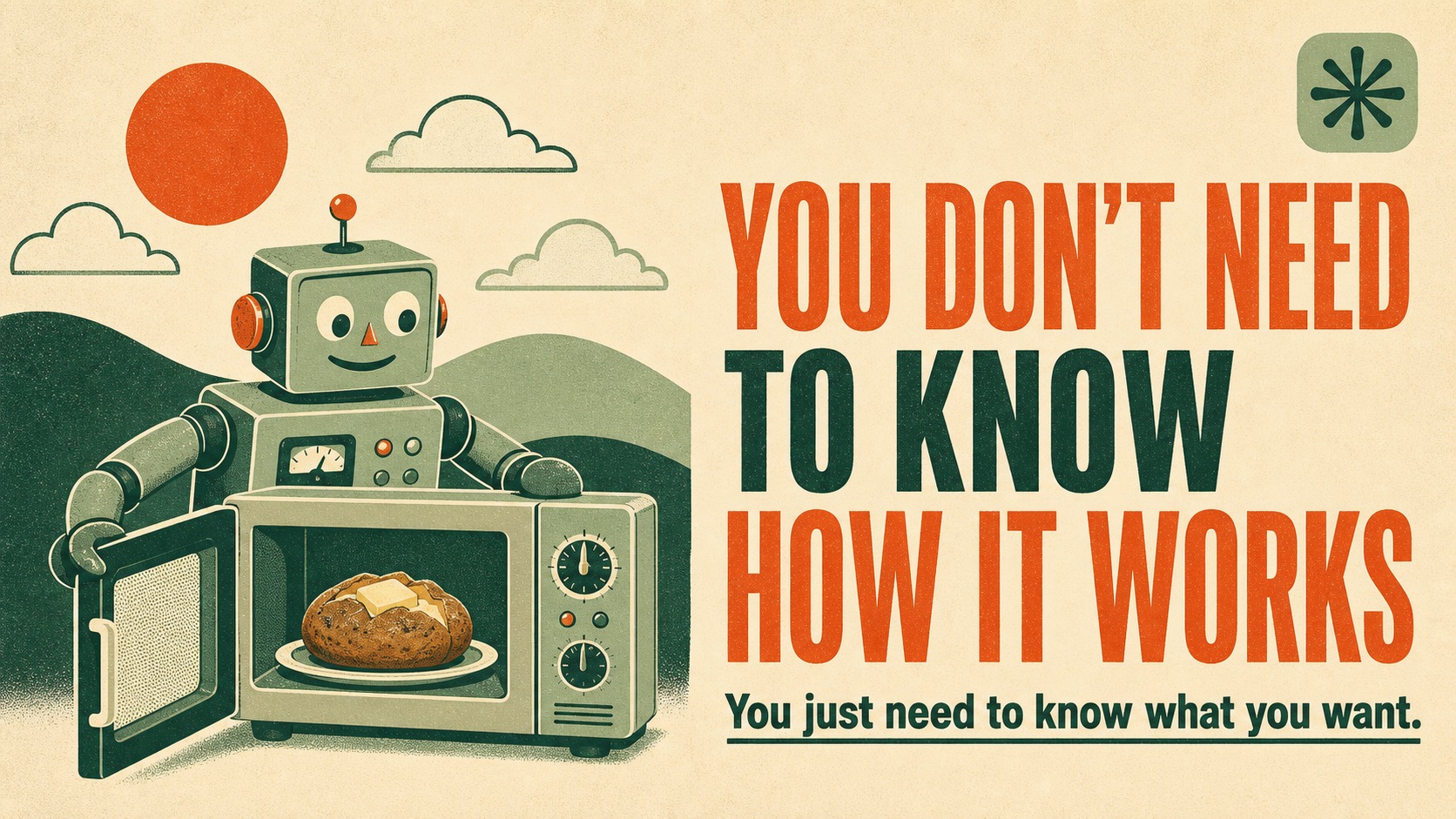
Take the microwave. Almost none of us could explain what's actually happening in there. There's a part called a magnetron firing electromagnetic waves that make the water and fat molecules in your food vibrate, and the friction from all that vibrating is what heats it. I had to look that up. You probably did too.
And yet you cook the baked potato. You reheat the coffee. You never once stood in your kitchen thinking, "I really should understand the physics of dielectric heating before I press start." You learned which buttons to press to get the result you wanted, and you got on with your life.
AI is the same. You do not need to understand the engine. You need to know how to ask for what you want.
Sourcing note: the microwave explanation here comes from a neutral reference source, linked at the end. The point isn't the physics. It's that you already use technology you can't explain, and it works fine.
03 · The Real Skill
What you actually need is the ability to communicate.
If the technical part isn't the skill, what is? It's this: being able to describe what you want the way you'd describe it to a sharp new hire on their first day.
Not in code. In plain English. You give the context, you give the material, you say what "good" looks like, and then you look at the result and decide if it's there yet. That back-and-forth (ask, review, refine) is the entire job. And you already know how to do it, because you do it with people all the time.
What the AI does
- The technical execution
- The drafting and formatting
- Reading and sorting the messy material
- Carrying a multi-step task through to the end
- Building the thing you described
What you do
- Decide what you actually want
- Give it your real context and material
- Say what "good enough" looks like
- Review the output
- Give the go-ahead, or send it back
Anthropic, the company behind Claude, has said plain language is now the interface. Their own non-technical teams, legal and marketing and finance, use Claude every day. They drop their files into a folder, tell it what they need in ordinary words, and review what comes back. None of them are programmers.
04 · Agents, For Non-Coders
"But agents sound technical." They're not.
The word agent scares people off, so let's strip it down. An AI agent is just AI that takes a task off your plate and carries it all the way through, not just answering a question, but doing the job. Where a chat gives you a draft, an agent files it, sends it, sorts it, or publishes it.
You don't build an agent the way you'd build software. You describe the job and review the work. That's it. Click each one for what that looks like in a real business.
01 Sort and rename a folder of files
"Go through this folder, group these by client, and rename them so I can find anything in two seconds." You describe the system you want. It does the moving and renaming. You glance at the result.
02 Turn a call into a follow-up
"Here's the transcript from my discovery call. Pull the action items, draft the follow-up email in my voice, and flag anything I promised to send." You bring the recording and the standard. It does the rest. You read the email before it goes.
03 Keep your content moving
"Take this idea, turn it into a post in my voice, and get it ready to publish." You bring the idea and the taste. It handles the writing and the production. You approve it, or tell it what's off.
Not one of those required code. Every one required you to know what you wanted and to check the result. That's the pattern, every time.
05 · The Proof
This post is the example.
I'll show you instead of telling you. The post you're reading right now (the words, the research, the links, the layout, and the publishing to my website) was done by AI.
I didn't touch a line of code. I didn't open the site files. I gave the idea and the angle (this microwave thing has been rattling around in my head), and the rest got built, checked, and put live.
My one job was the part only I can do: I reviewed it. I read the draft, I made sure it sounded like me and said what I meant, and then I gave the go-ahead. That's the whole role. Direct it, review it, approve it.
The technical part is the machine's job. The judgment is yours. That division of labor is the entire point.
— G / Live Practitioner
If you want the longer breakdown of what AI agents can actually do for a business (with a real, no-code example), I wrote that one too: What Can AI Agents Do for My Business?
06 · Where To Start
You don't learn this by studying. You learn it by asking.
You will not get good at this by reading more about how AI works. You'll get good at it the way you got good at the microwave: by using it, paying attention to what worked, and adjusting.
Start here, this week:
- A
Pick one task you already do and quietly resent. The one that eats an hour you never get back.
- B
Describe it to AI the way you'd brief a capable new hire: the context, the material, and what a good result looks like.
- C
Read what comes back. Tell it what's off. Watch it fix the thing. That loop is the skill.
- D
Do it again tomorrow with something slightly bigger. That's the entire curriculum.
The owners who win with AI are not the technical ones. They're the ones who stopped waiting to understand it and started directing it.
07 · FAQ
Common questions about using AI without coding.
01 Do you need to know how to code to use AI?
No. You do not need to know how to code to use AI, or even to have AI agents do real work for you. The AI handles the technical part. The one skill you actually need is being able to clearly describe what you want, then review the result before you approve it.
02 If AI does the technical part, what do I actually do?
You direct it. You bring the goal, the context, and the judgment. You say what you want in plain language, you give it your real material to work from, and you check the output before it goes out. The thinking that matters is yours. The technical execution is the machine's.
03 Can a non-technical person really have AI agents?
Yes. An AI agent is just AI that takes a task off your plate and carries it through, not just answers a question. You don't build it like software. You describe the job in plain English and review what comes back. Non-technical owners are already using agents to sort files, draft follow-ups, summarize calls, and publish content.
04 Isn't AI just for programmers?
It used to feel that way. Not anymore. Plain English is now the interface. The barrier stopped being technical knowledge and became something simpler: knowing what you want and being able to say it clearly. Anthropic's own non-technical teams, legal, marketing, and finance, use Claude every day without writing code.
05 Where should a non-technical business owner start?
Start with one task you already do and wish you didn't. Describe it to AI the way you'd describe it to a capable new hire, with the context and the standard you'd hold them to. Then review the result and refine your instructions. The free live workshop walks through exactly what that looks like inside a real working setup.
Start Here
See it work before you believe it works.
Come to the live workshop. You'll watch a real working setup run actual business tasks, no code, no jargon, so you can see exactly what "just describe what you want" looks like in practice.